LockMagic and Online Email
Whether a person is on the go, at home or the office, sending encrypted email messages are just a mouse click away with LockMagic.
As long as access to the internet is at hand, LockMagic makes it easy to send encrypted email from any device connected to the
internet.
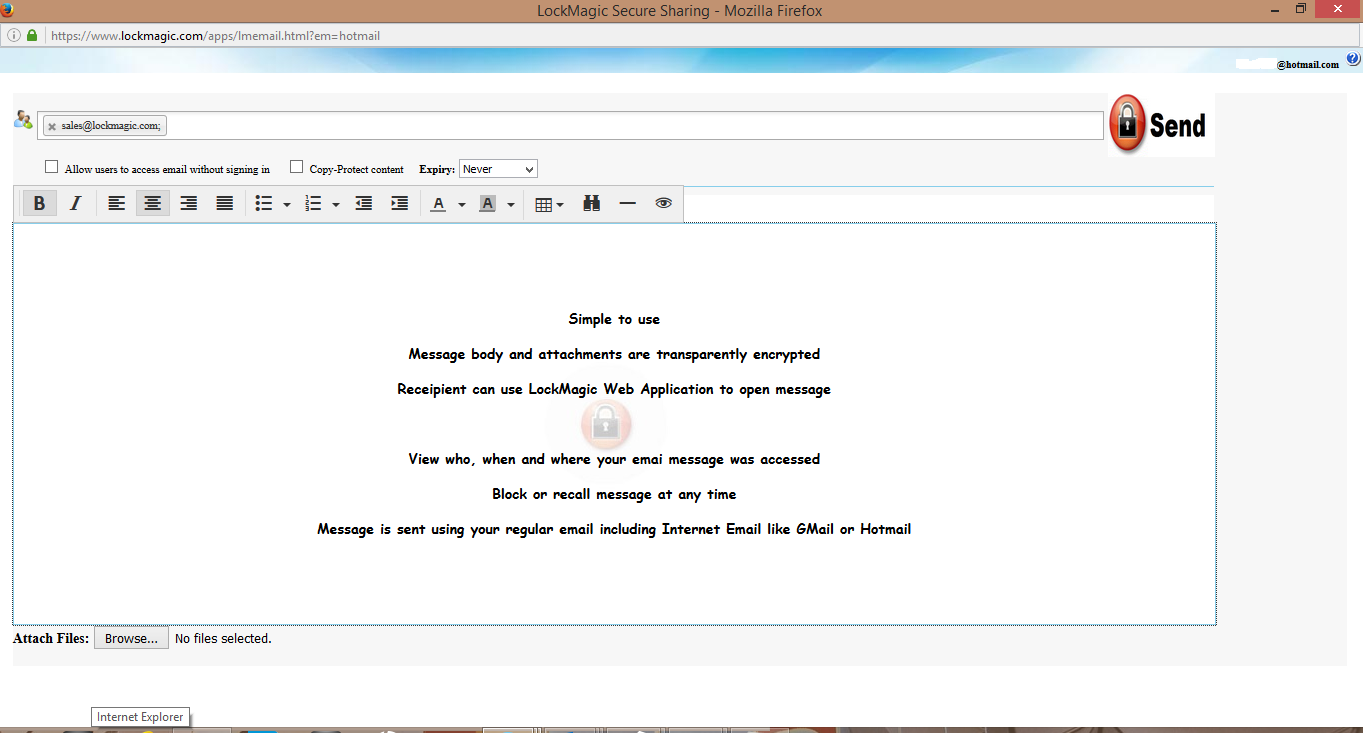
The LockMagic Online Email Editor allows a user to send encrypted email to anyone even if they don’t have their own computing device at hand. Using this feature is as easy as using any email editor. All of icons have tooltips that will guide the user in the usage of each feature. However, there are two icons that determine how the recipient will receive the sent email:
Highlights
- Send encrypted email from any device with internet access
- Ability to send message using Internet Email account such as Hotmail or Gmail
- User friendly interface that is easily understood