LockMagic and Selective Encryption
LockMagic secures your content in Microsoft Word by adding partial document encryption functionality. During the process of creating content you have the opportunity to control your information security from a single word, line and paragraph to the entire document. With a single click your sensitive private, personal and confidential information is encrypted right inside Word. You no longer need to remember which documents need to be encrypted or use inaccurate and cumbersome post processing to tag and classify documents.
LockMagic secures your content in Microsoft Excel by adding partial workbook encryption functionality. During the process of creating content you have the opportunity to control your information security from a single worksheet to the entire workbook. With a single click your sensitive private, personal and confidential information is encrypted right inside Excel. You no longer need to remember which documents need to be encrypted or use inaccurate and cumbersome post processing to tag and classify documents.
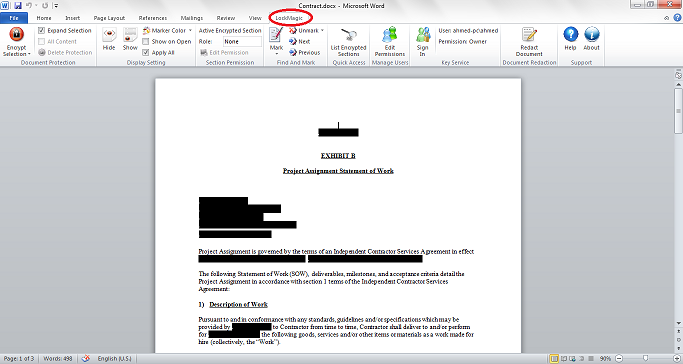
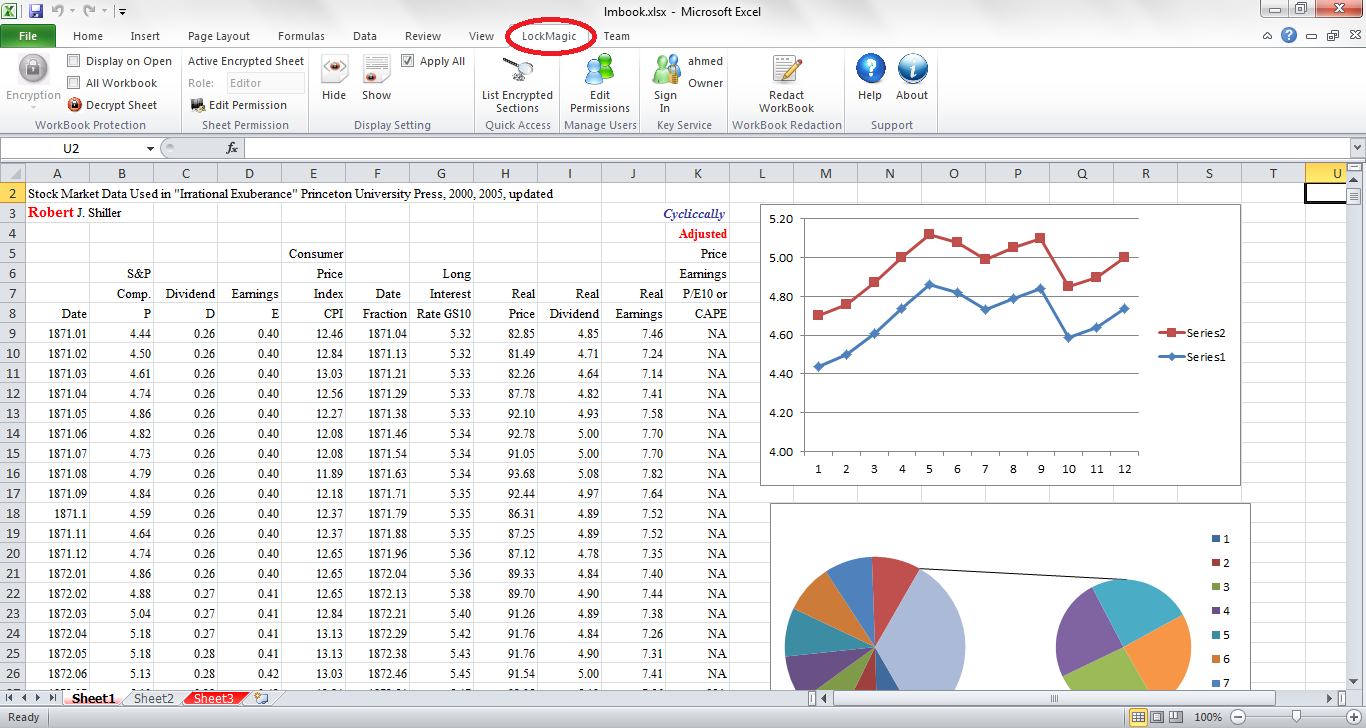
Highlights
- Seamlessly integrates into Microsoft Word and Excel
- Encrypt part of the document
- Each encrypted section has its own authorization
- Control and View who is accessing your content
- Email, Share and Store in the cloud as a regular document